
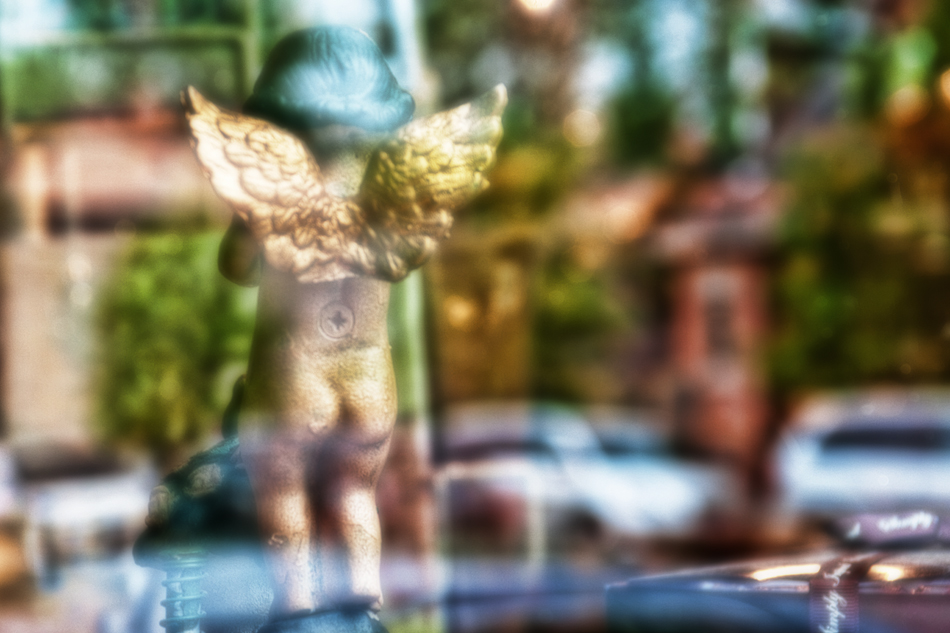
I saw this cherub figurine in a gift shop window and snapped a shot. I only took the one shot and didn’t think much of it when I did. The straight shot was decent enough but I thought I would throw a little processing fun in the works for a change. In Photoshop, I Did a Topaz Adjust layer and an orton effect layer and played around with opacity on each layer for the final balance. The good (or bad) thing when doing this type of image “enhancement” is there really is no correct final result. It is whatever you want it to be! My only regret with the shot is that I would have liked to have shot it at a wider aperture to blur the background (reflection) more. Pentax K20D, DA17-70
Cherub in the Window
© David Guidas
 What I Pic
Very cool shot. That is probably my hardest thing with post processing, when do I stop? It’s mind-boggling how many options there are to choose from…
I try to error on the side of caution…usually. Some of my happy accidents have been when I tried “just one more thing”.
This is great! The post processing works very well. You could try masking the cherub and copying it to a separate layer, then blurring the remaining background. It might get you where you wanted to be.
Thanks John. I thought of that but it was getting late and I didn’t feel like it 🙂 I’ll play with it again later